
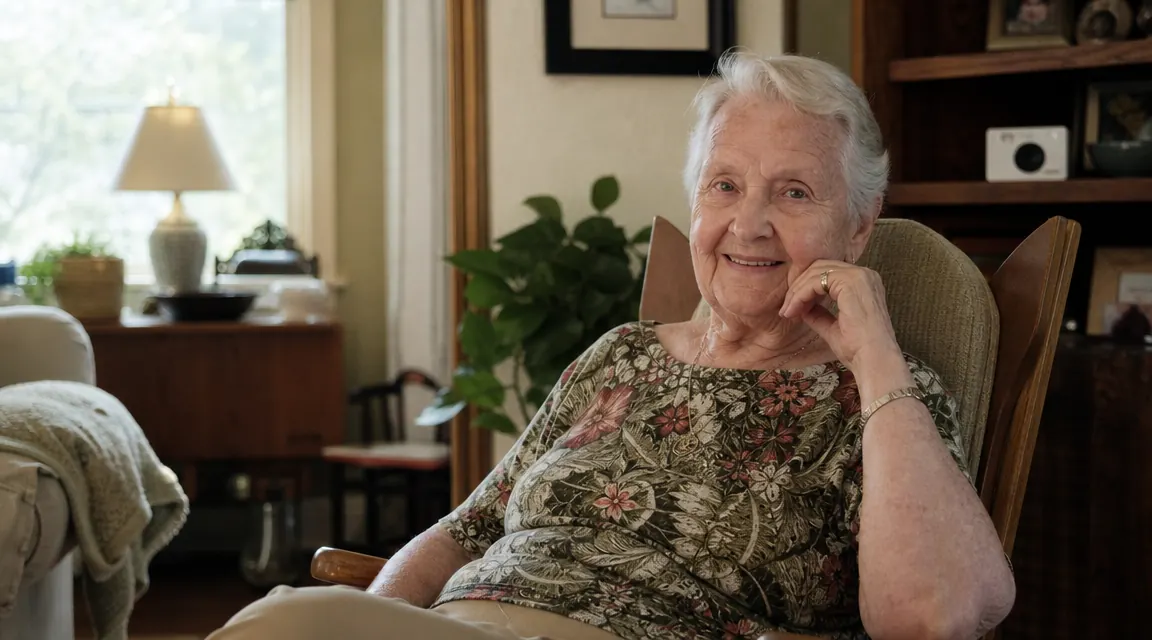
My mother is 81, lives alone in the house she has been in for 40 years, and she has made it very clear she is not moving. I am her primary caregiver and I also manage a medical office, so I know what a fall at home actually looks like when someone does not find the person for hours. That knowledge sits in the back of my mind every time I drive away after a weekend visit. A few years ago I started researching home cameras, and the first thing I realized was that most of the advice online was written for people who do not have to look their parent in the eye afterward. Setting up monitoring without a real conversation first is how you damage a relationship and create resentment that outlasts any safety benefit.
This guide is the process I actually used , and the process I have walked several families through at the office. It starts with the conversation because that is where it has to start. The Blink Mini camera comes in at Step 3, after you have already done the work that makes the camera feel like a shared decision instead of a surveillance install.
The Camera I Recommend for Starting Out , Under $30, No Subscription Required
The Blink Mini is a 1080p plug-in camera with two-way audio, motion alerts, and Alexa compatibility. It is what I use for my own mother. Over 300,000 Amazon reviews, and it costs less than a co-pay.
Amazon Check Today's Price on Amazon →Step 1: Have the Real Conversation Before You Buy Anything
I cannot overstate this. The biggest mistake I see is caregivers who order a camera first and then try to explain it afterward. That sequence signals, whether you intend it to or not, that you have already decided and their opinion is a formality. Your parent is an adult who has been managing their own life for seven or eight decades. Starting from a place of shared problem-solving changes everything about how this goes.
The framing that tends to work best is grounding the conversation in a specific incident or concern rather than a general anxiety. Not 'I worry about you all the time,' but something more concrete: 'When you called me last Tuesday at midnight because you felt dizzy and did not know if you should call 911, I was in a panic for 45 minutes waiting for an update. I want to find something that helps both of us feel less scared in that situation.' That language makes it a shared problem, not a parenting reversal. Then ask what would make them comfortable rather than presenting a solution. You may be surprised. Many older adults are far more open to cameras in the kitchen and living room than their adult children expect, as long as they feel they have a genuine say in the boundaries.
Write down what they agree to and what they rule out. Those notes become your actual installation plan. Revisit it after 30 days to see if anything has shifted in either direction. Autonomy is not a one-time conversation.
Step 2: Decide Where Cameras Will and Will Not Go
There is a firm clinical and ethical line here: no cameras in bedrooms or bathrooms, full stop. I want to be direct about that because I have seen caregivers try to justify a bedroom camera when a parent has dementia. Even then, the answer is almost always motion sensors and bed exit alarms for those rooms, not cameras. The privacy violation in a bedroom or bathroom is categorically different from a kitchen or hallway, and it creates real legal exposure in some states as well.
The rooms that make genuine safety sense are the front door or entry area, the kitchen, and the main living room or den. The front door camera tells you whether your parent came and went, whether the door was left standing open, and whether someone who should not be there came in. The kitchen is where falls, stove-related incidents, and medication confusion most often surface. The living room confirms they are up and moving during the day, which is often the first signal that something is off. A single camera in a living room with a sightline toward both the kitchen entrance and the front door can cover enormous ground without feeling like a grid of surveillance.
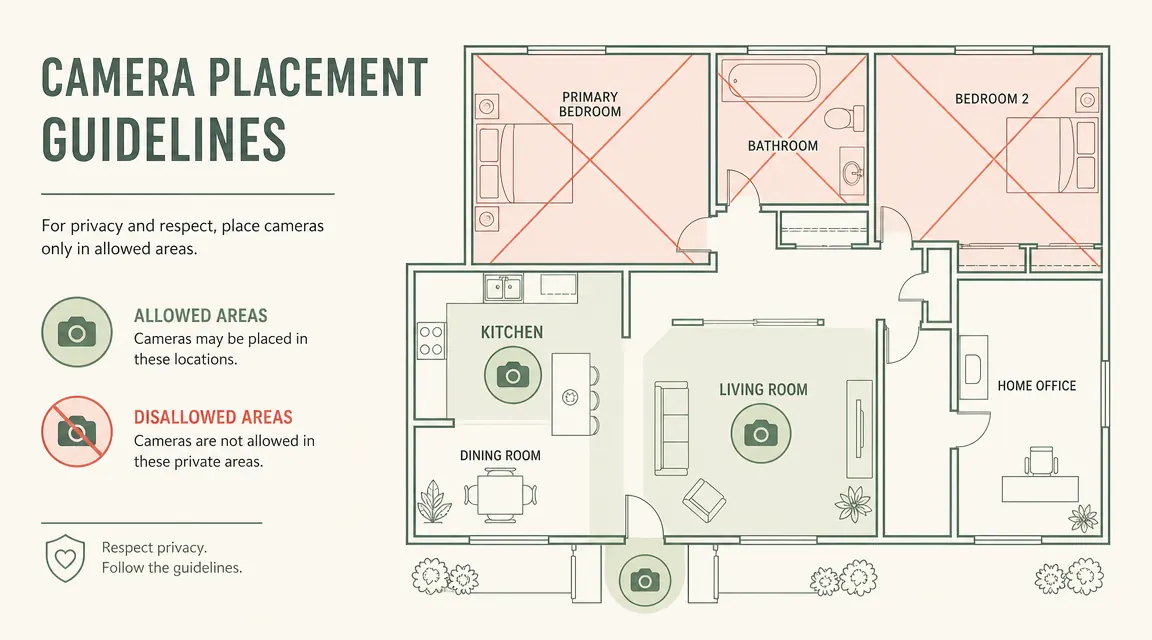
Hallways are useful if your parent's bedroom and bathroom are at the end of a hall, because motion in the hallway during sleeping hours is enough information to confirm they are moving around without crossing into the bedroom. That is a good privacy-preserving workaround when nighttime activity is the specific concern.
Step 3: Choose and Set Up the Right Camera
For most families starting out, the Blink Mini is the right tool. It is compact enough that it does not feel institutional sitting on a bookshelf. At under $30, it is low-stakes enough that if your parent decides two weeks in they want it moved or removed, you have not made a large financial commitment into the wall. The 1080p video is clear enough to see whether your mother is steady on her feet crossing the kitchen at 7am. The motion detection sends you an alert when something changes, which is a more sustainable model than having the app open all day.
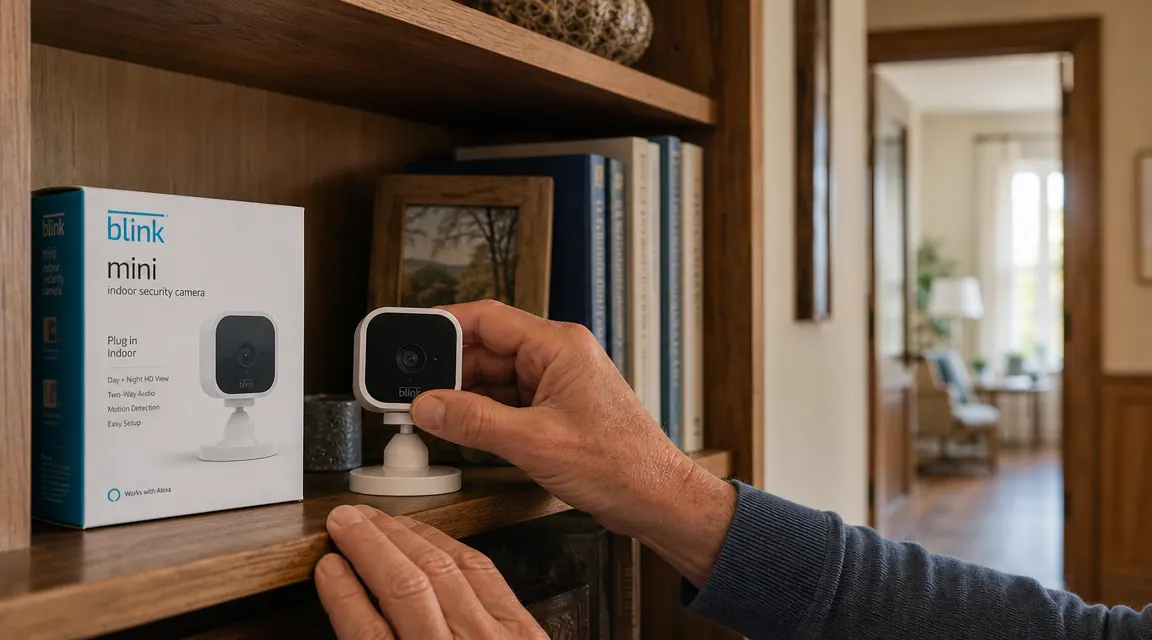
Setup takes about 15 minutes. Plug it in, download the Blink Home Monitor app, connect to your parent's Wi-Fi, and position it. The base has a simple pivot and tilt so you can aim it precisely without tools. I use a small cable clip from the hardware store to keep the power cord flat against the wall behind a bookshelf so it does not look messy. My mother's exact words when she first saw it were 'it looks like a little nightlight.' That is the goal.
No subscription is required for basic live-view and motion alerts. If you want to save short motion-triggered clips to review later, a Blink Subscription Plan is available, but many families find the real-time alerts are sufficient. I have the subscription because I am 200 miles away and I like being able to scroll back through the morning when I missed a notification. If you live close, you likely do not need it. You can read a full long-term review of how I use the Blink Mini with my own mother here: Blink Mini Camera Review: 16 Months of Long-Distance Caregiving.
Step 4: Set Audio and Motion Zones Thoughtfully
The two-way audio on the Blink Mini is one of its most practically useful features and also the one that requires the most deliberate setup. Your parent should know the audio is there. Not because you are required to disclose it legally in every state, though in some states you are, but because discovering it later feels like a fundamental breach of trust that undoes all the good-faith work you did in Step 1. My recommendation is to demonstrate it the day you install it. Call in on the app while you are both in the room so they can see and hear how it works. That transparency also means they can use it intentionally. My mother will sometimes just walk past the camera and say something when she wants me to call her back.
Motion zones let you draw a box in the camera's field of view and only receive alerts for activity inside that box. This is useful for outdoor-adjacent cameras where a neighbor walking past the front window would otherwise trigger constant false alerts. In a kitchen, I set the motion zone to focus on the area between the counter and the stove rather than the full room, which cuts down on alerts from someone just walking through. Fewer irrelevant alerts means you actually pay attention to the ones that come in, which is the whole point.
Step 5: Decide Who Else Has App Access
This step is easy to skip and it is a mistake. The Blink app allows you to share camera access with other users. If your parent has siblings involved in care, or if a home health aide is coming in, you need a clear agreement about who can see what and when. Sharing access broadly without discussion can feel like a committee is watching, which many older adults find more intrusive than a single trusted family member monitoring.
My structure: I have primary access. My brother, who lives three hours away, has view-only access and I specifically told him we are not using this to check up on Mom's daily schedule, just for genuine safety concerns. The home health aide who comes on Tuesdays knows the camera is there; I disable motion alerts for Tuesday mornings so I am not getting a flood of alerts during her visit. That kind of deliberate setup signals that this is a safety system with boundaries, not a time-and-motion study on your parent's life.
What to Do If They Refuse Cameras Entirely
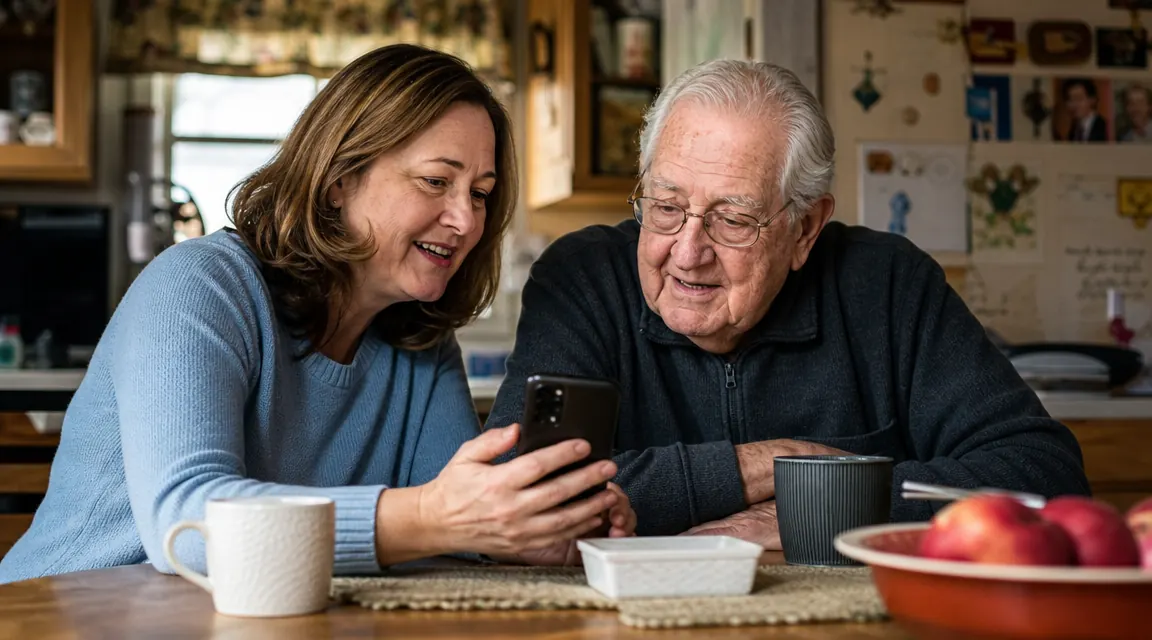
Some parents will simply say no, and that is their right. A refusal is not the end of the conversation about safety, it is just the beginning of finding a different approach. Motion sensors that send phone alerts without capturing video are one solid option. A smart doorbell that shows you who comes and goes covers the entry-point concern without a camera inside the home. Regular check-in call schedules, sometimes formalized as 'if I do not hear from you by 10am I will assume something is wrong,' are surprisingly effective for parents who still have good cognitive function and just need structure. Wearable alert buttons like a medical alert bracelet address the fall-recovery concern specifically, without any video component at all.
The goal is never a specific product. The goal is that your parent is safe and that you both have a way to get help when something goes wrong. If you get there without a camera, that is a complete success. If the conversation about cameras opens the door to one of these alternatives they are more comfortable with, that is also a win. Document what you agreed to, revisit it every few months, and leave the door open for them to change their mind in either direction.
The camera conversation is really a conversation about trust. If you start by listening to what your parent is actually afraid of losing, you will find a solution together. The technology is the easy part.
What Else Helps
If your parent already has an Amazon Echo device, Alexa Drop-In is worth setting up alongside the Blink camera. Drop-In works like a two-way intercom without requiring your parent to do anything. You initiate from the Alexa app on your phone and their Echo just opens a connection with a short chime. Many older adults find this less technical and more comfortable than a camera because it feels like a phone call. I use both in my mother's house: the Blink Mini gives me visual confirmation in the morning, and Alexa Drop-In is how I check in during the afternoon without her having to remember to call me back. If you are comparing the Blink Mini to other camera options, the breakdown I find most useful for elder care specifically is here: Blink Mini vs Wyze Cam for Elder Care.
Good lighting in the hallway between the bedroom and bathroom also makes a material difference in both fall prevention and camera usefulness at night. A plug-in night light with a motion sensor is a ten-dollar addition that often does more for nighttime safety than any camera. These small-environment changes layered together are what actually move the needle on safety. The camera is one piece of a larger picture.
Ready to Start? The Blink Mini Is Still the Easiest First Step.
One camera, one conversation, one shelf. The Blink Mini is where I recommend most families begin. It is affordable enough to start cautiously, flexible enough to adjust as your parent's comfort evolves, and clear enough that you will actually know whether it is working.
Amazon Check Today's Price on Amazon →