
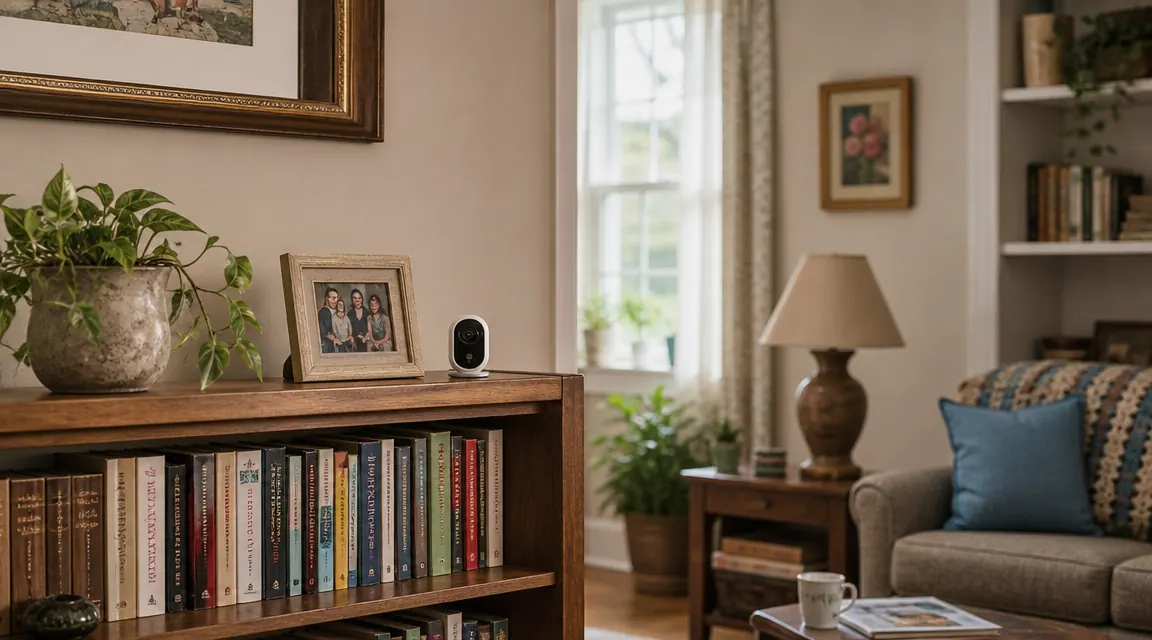
You are not buying a security camera. You are buying the ability to sleep at night knowing your mother got up from the couch, made it to the kitchen, and is moving around the house the way she was yesterday. That is a fundamentally different purchase than a front-door camera for a 35-year-old renter, and it changes which features actually matter.
The Blink Mini and the Wyze Cam v3 are the two cameras caregivers end up comparing most often. They cost roughly the same at first glance. They both shoot 1080p. They both send motion alerts to a phone. But once you dig into how each one works in a real elder care context, the differences are meaningful. I have set up both for clients in our practice and in my own family, and there is a clear answer for most caregivers.
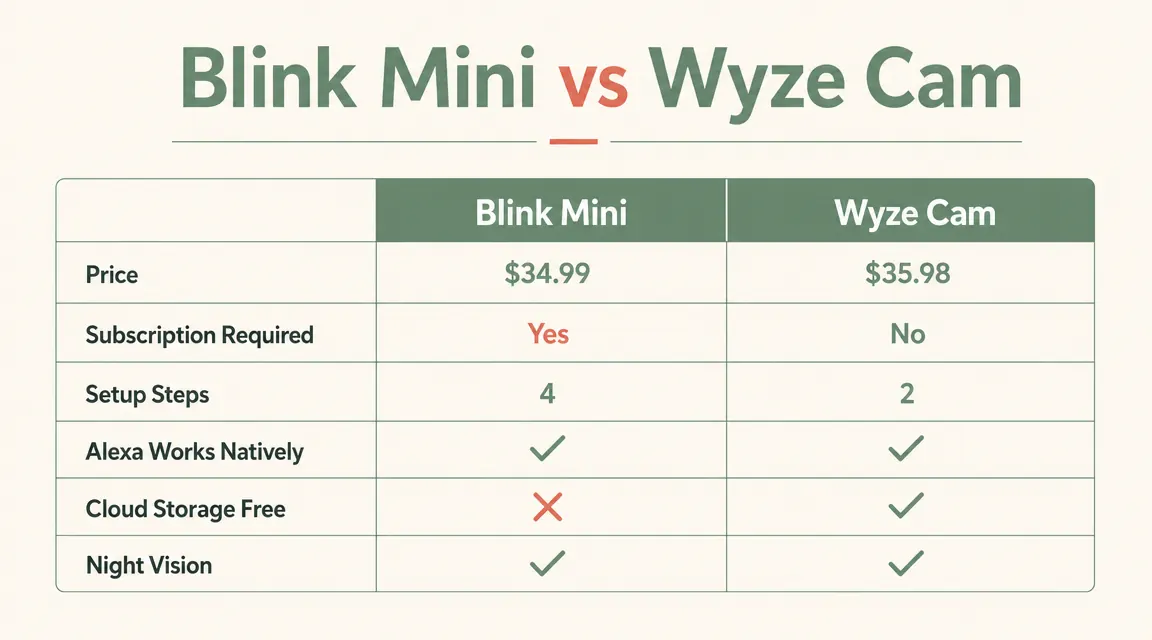
| Feature | Blink Mini (Winner) | Wyze Cam v3 |
|---|---|---|
| Current Price | ~$30 | ~$30-35 |
| Ongoing Subscription | None required for basic use | $1.99/mo per camera for cloud clips |
| Free Cloud Storage | Yes (local USB or full cloud free tier) | Limited free tier, events expire quickly |
| Setup Complexity | 3 steps, app-guided | More settings, more decisions |
| Native Alexa Integration | Yes, full Echo Show support | Partial, less reliable for Echo Show live view |
| Amazon Ecosystem Fit | Owned by Amazon, seamless | Third-party integration, occasional hiccups |
| Night Vision | Yes, infrared | Yes, infrared + color night vision option |
| Two-Way Audio | Yes | Yes |
| Motion Alert Quality | Reliable, adjustable zones | Reliable but more false positives reported |
| Phone Required for Parent? | No, adult child monitors remotely | No, adult child monitors remotely |
| Works Without Wi-Fi? | No (requires 2.4GHz Wi-Fi) | No (requires 2.4GHz or 5GHz Wi-Fi) |
Where the Blink Mini Wins
The biggest practical advantage of the Blink Mini for elder care is the subscription situation. With Wyze, the free cloud storage tier gives you a 12-second event clip with a five-minute cooldown between alerts. That means if Mom falls at 2:07am, your camera may not capture what happens at 2:10am when she tries to get back up. To get full continuous recording or even just better event coverage, you are looking at $1.99 per camera per month for Wyze Cam Plus. That adds up, especially if you place two or three cameras in the home.
The Blink Mini, by contrast, lets you store clips locally to a USB flash drive at no charge, or you can use the free cloud storage tier without the same cooldown restrictions on basic event capture. For a caregiver who is already stretched on both time and money, eliminating a recurring subscription removes one more thing to manage. The camera does its job without a credit card renewal sitting behind it.
The Alexa integration is the second place the Blink Mini pulls ahead for elder care families. Because Blink is an Amazon product, it connects to Alexa and Echo Show devices natively with zero friction. If your parent already has an Echo Show in their living room, or if you have one in your kitchen 400 miles away, you can say "Alexa, show me the living room camera" and it just works. No third-party skill to enable, no login to re-authenticate. Wyze has Alexa compatibility on paper, but in practice the Echo Show live view connection drops more often and requires more troubleshooting. With an elderly parent involved, "requires troubleshooting" is not an acceptable answer.
Where Wyze Wins
Wyze does have genuine advantages, and I want to be honest about them. The color night vision on the Wyze Cam v3 is noticeably better than the Blink Mini's infrared night vision in low-light but not fully dark environments. If you are placing a camera in a room where a small nightlight is always on, the Wyze image will be warmer, more natural, and easier to read at a glance. For caregivers checking in on a parent who sleeps with a lamp dim, the Wyze image quality in that specific scenario is superior.
Wyze also has a more mature feature set overall, with person detection, package detection, and more granular motion zone controls included if you are willing to learn the app. For a tech-comfortable family member managing the camera setup, Wyze gives more tools. The Wyze ecosystem has also expanded significantly, so if you eventually want a doorbell camera or outdoor camera on the same system, there are more compatible options. If advanced features and image quality in mixed-light are your top priorities and you are comfortable paying the monthly fee, Wyze is a legitimate choice.
Most caregivers do not need more features. They need a camera that works without maintenance.
The Blink Mini connects in minutes, stores clips without a subscription, and shows a live feed on any Alexa screen in the house. Over 300,000 buyers rated it 4.4 stars. Check today's price on Amazon.
Amazon Check Today's Price on Amazon →The Setup Reality for Non-Techy Parents
Here is where the conversation changes for most families I talk to. In an ideal world, the adult child sets up the camera before they leave town and it just runs. But life is not always ideal. Cameras need Wi-Fi passwords re-entered when routers get replaced. Apps need updates. Devices occasionally need a restart. The question is not only how hard is initial setup, but how hard is recovery when something goes wrong and you are doing it over the phone with your 79-year-old father who describes the screen as "it says something about an orange dot."
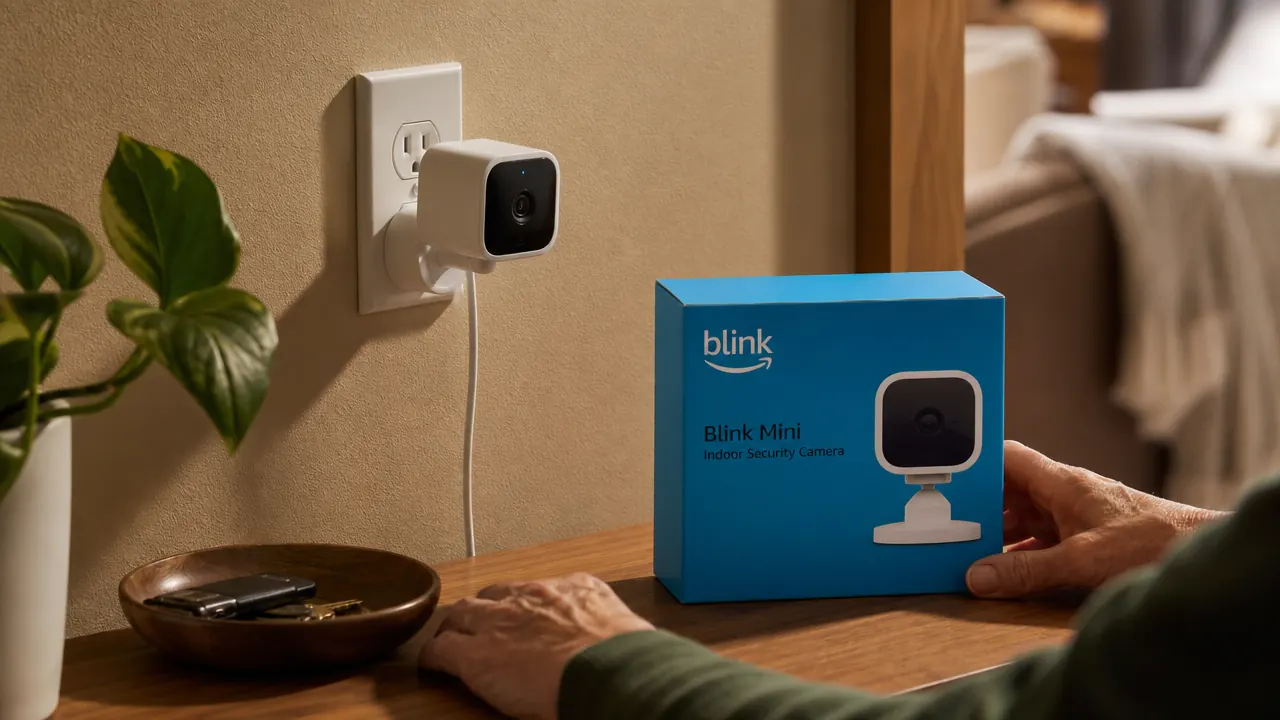
The Blink Mini setup is genuinely three steps: plug in the camera, scan the QR code in the app, enter the Wi-Fi password. The app guides the process with clear visuals. There are not many decisions to make because Blink keeps the interface simple by design. That simplicity is sometimes called a limitation by tech reviewers. For caregivers, it is a feature. Wyze gives you more control over settings, which also means more settings that can be accidentally changed, more menus a confused parent can wander into, and more potential failure points during remote troubleshooting.
In elder care, simpler is not a compromise. Simpler is the point. A camera your parent cannot accidentally break through the settings menu is a camera that keeps working when you need it most.
Motion Alerts: What You Actually Need vs What You Think You Need
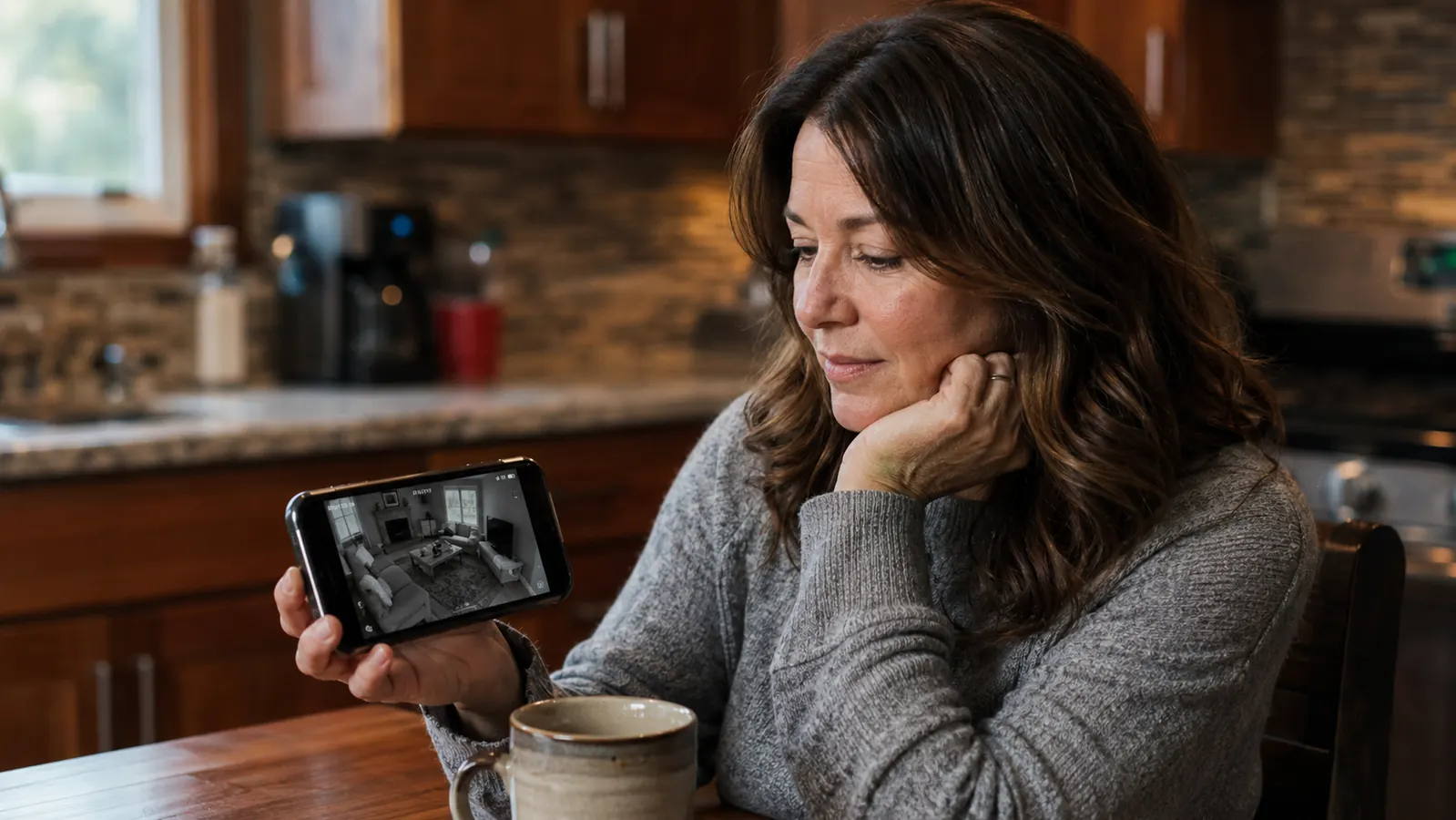
Both cameras send motion alerts to your phone. In practice, the question that matters for elder care is not whether alerts arrive but whether they are meaningful. The Blink Mini lets you draw custom motion zones so you can exclude the window where trees move and the corner where the radiator makes the curtains flutter. What remains is motion from the areas that matter: the chair Mom usually sits in, the hallway she takes to the bathroom at night, the kitchen entry. You tune out the noise and tune in the signal.
Wyze motion detection is also zone-configurable, but several caregivers I have spoken with report more false positives from Wyze in typical home environments, particularly from heating vents and shifting light sources. More false alerts trains you to dismiss alerts, which is the opposite of what you want. Alert fatigue is real, and with elder care monitoring the goal is that when your phone buzzes at 3am, you take it seriously. Fewer false alarms from Blink keeps those middle-of-the-night notifications meaningful.
The Subscription Cost Reality Over Time
Let me put actual numbers on this because it matters for caregivers already managing tight budgets. Wyze Cam Plus is $1.99 per camera per month. If you place two cameras in Mom's home (living room and kitchen, say) that is $47.76 per year. Over three years of caregiving that is $143. Over five years, it is $239. The cameras themselves cost $30 to $35 each. You will pay more in subscription fees than you paid for the hardware inside 18 months.
The Blink Mini has a Blink Subscription Plan as well, at $3 per month per camera or $10 per month for unlimited cameras, which adds extended cloud storage and richer clip management. But that subscription is optional. Without it, you can plug in a USB flash drive to the Sync Module 2 (sold separately, around $35) and store unlimited clips locally for free. Or you can accept the 60-day free cloud storage included without any subscription. For most elder care use cases, the free local storage path is completely adequate. You end up with a capable monitoring setup that costs nothing after the initial hardware purchase.
Who Should Buy the Blink Mini
The Blink Mini is the right choice if you are a long-distance caregiver who wants to check in on a parent with minimum fuss and no recurring charges. It is the right choice if your family already uses Amazon Echo devices and you want the Alexa live-view integration to work reliably. It is the right choice if you want the simplest possible setup experience so that you can install it in a single afternoon visit and feel confident it will keep running on its own. It is also the right choice if you are monitoring a parent who has any level of privacy concerns because the camera's form factor is small and unobtrusive, and its privacy features include a physical shutter option on newer Blink models.
Who Should Consider Wyze Instead
If the primary caregiver is a younger, tech-comfortable adult who actively enjoys configuring smart home devices, Wyze rewards that investment with better low-light image quality and more granular controls. If you already have a Wyze ecosystem in your own home and are comfortable managing the app, adding a camera at a parent's house is straightforward. If night vision quality in a dimly lit bedroom is your top concern and you do not mind paying $1.99 per month, the Wyze color night vision is genuinely the better image. Wyze is not a bad camera. It is just the wrong default recommendation for most of the caregivers I talk to, because most of them want something that works simply and keeps working without attention.
Under $30, no subscription needed, and it shows up on your Echo Show the moment you ask.
The Blink Mini is the elder care monitoring camera most families come back to after trying everything else. 309,000 reviews at 4.4 stars. See current pricing on Amazon before it changes.
Amazon Check Today's Price on Amazon →