
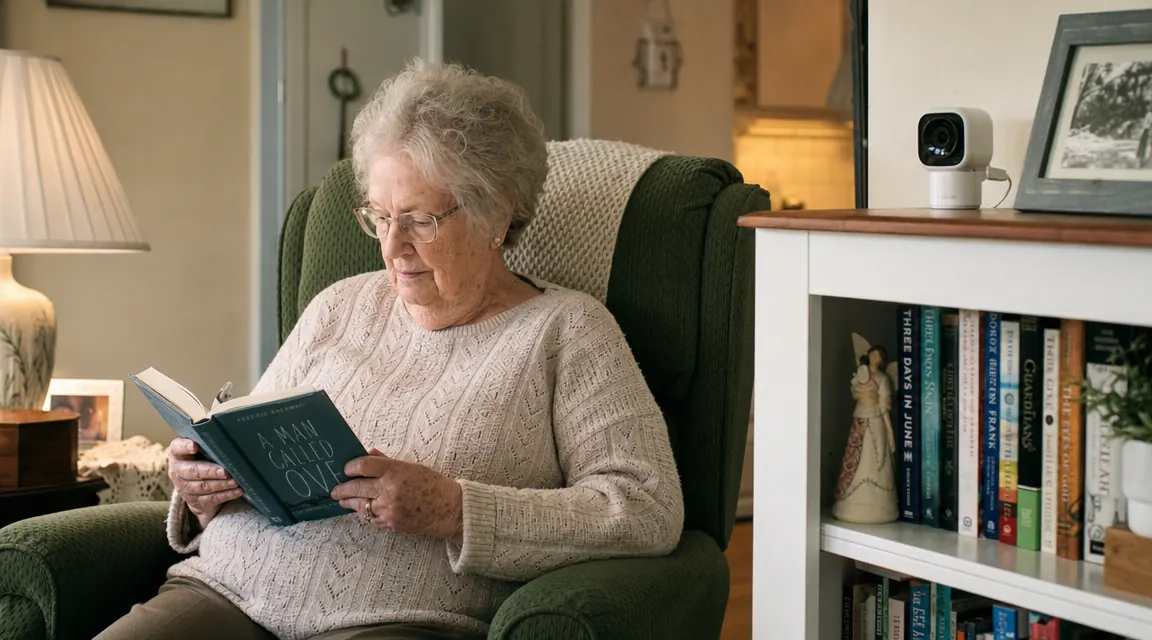
My mother, Eileen, is 81. She lives alone in the house she has owned since 1974, in a Pittsburgh neighborhood where most of her neighbors are at least a decade younger than her. She insists she does not need help. She insists she is fine. She said this in January 2024 when she had a dizzy spell in the kitchen that she did not tell me about for four days. I found out because her neighbor Carol happened to stop by. That was the week I ordered the Blink Mini.
I want to be clear about what I was looking for: not surveillance of my mother, not proof she was managing her medications wrong, not ammunition for an argument about moving to assisted living. I wanted the same thing any long-distance caregiver wants. I wanted to glance at my phone at 8am, see her moving around in the kitchen, and go back to my meeting without the background hum of dread. The Blink Mini, which runs about $30 and plugs into any standard outlet, has done exactly that for 16 months. Here is the honest story of what works, what does not, and the subscription question everyone gets wrong.
The Quick Verdict
For long-distance caregivers who need a simple, reliable way to check in on an aging parent, the Blink Mini is the right tool at the right price. It is not a full security system and it is not meant to be.
Amazon Check Today's Price →If you are driving yourself to distraction calling Mom twice a day just to hear her voice, this is the quieter solution.
The Blink Mini is $29.98 on Amazon. It sets up in under 10 minutes and works without a monthly subscription when paired with a Sync Module. Over 309,000 customers have reviewed it.
Amazon Check Today's Price on Amazon →How I Set It Up and What I Told Mom
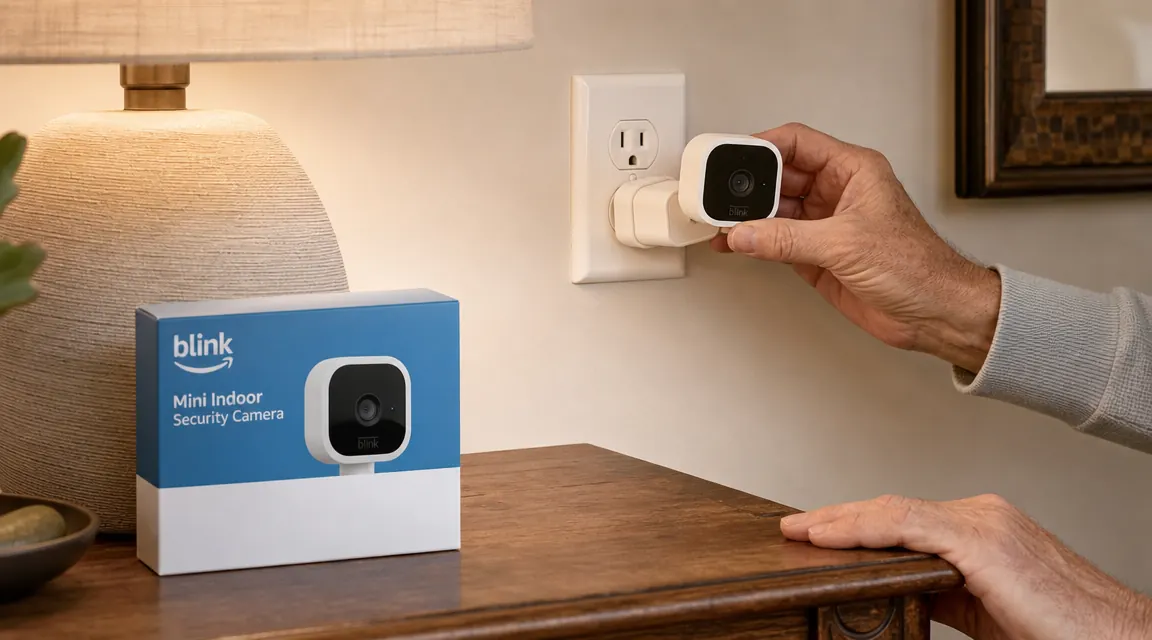
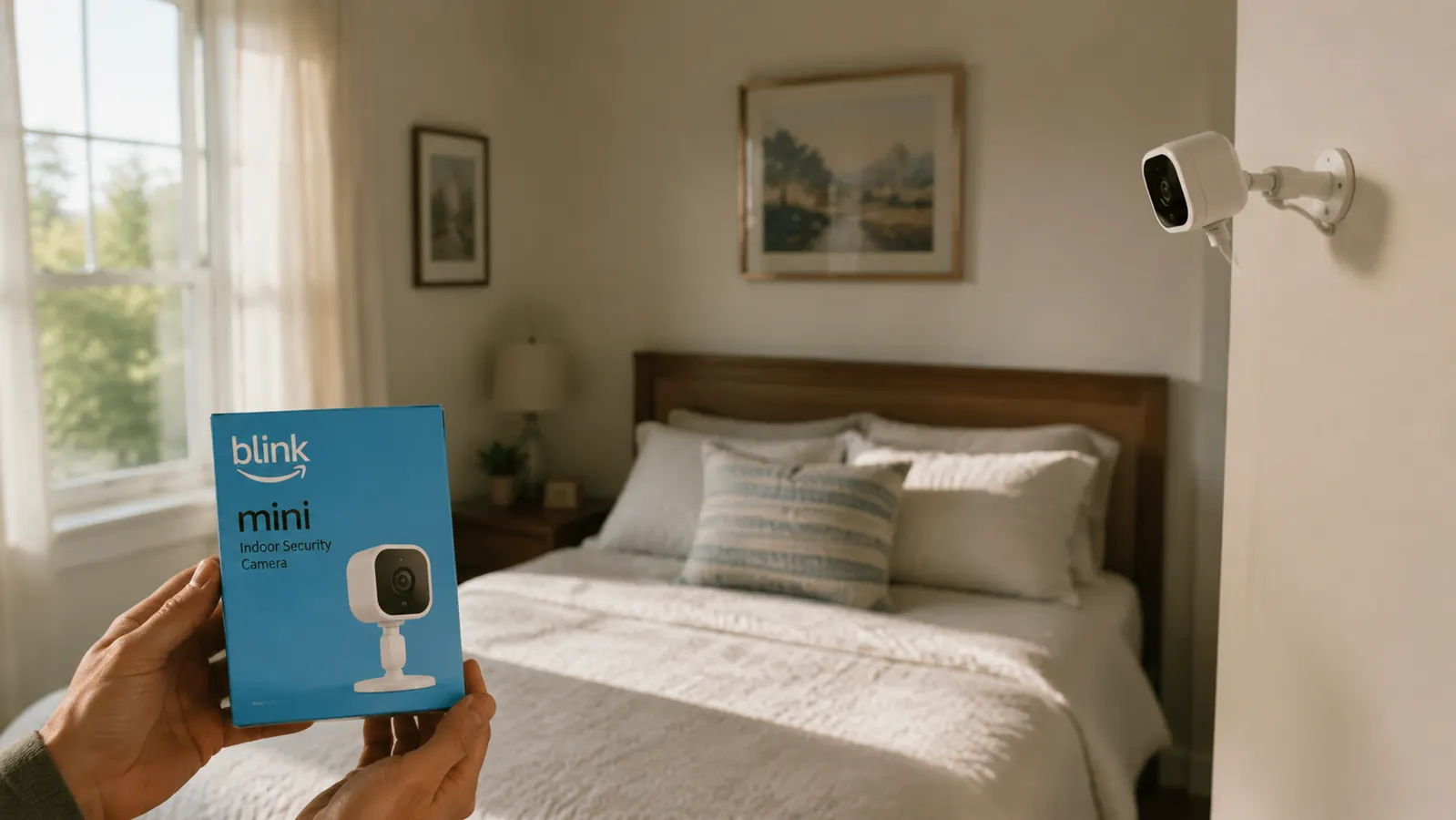
The setup took about nine minutes, most of which was waiting for the app to finish updating. You plug the camera into any outlet. You download the Blink Home Monitor app on your phone. You follow three prompts to add the device. That is the entire process. Blink is owned by Amazon, and if your mother has any Alexa devices in the house, the integration is seamless. Eileen already had an Echo Dot in her living room, so the Blink connected to her existing Wi-Fi network without any extra configuration on my end.
I placed the camera on her bookshelf, angled to cover the entry from the hallway into the living room. This was a deliberate choice. I did not put it in the bedroom or the bathroom. We had a direct, honest conversation before I set it up. I told her exactly what I could see, when I might look, and that it was for my peace of mind, not to check up on her choices. She was suspicious at first. Fourteen months later, she occasionally waves at it when she passes. That shift in attitude is part of the story.
Before I go further, I need to address the subscription question because it is the biggest source of confusion online. Blink offers an optional cloud storage plan called Blink Subscription that costs about $3 per month per camera. It stores motion clips in the cloud so you can review them later. You do not have to pay for it. If you buy a Blink Sync Module 2 (it comes bundled with many Blink camera kits, or you can buy it separately for around $35), you can save video clips to a standard USB flash drive that plugs into the Sync Module. This is called local storage and it is completely free, forever. For most caregiving situations, local storage plus the live view feature is everything you need. I have never paid for the subscription.
What 16 Months of Daily Use Actually Looks Like
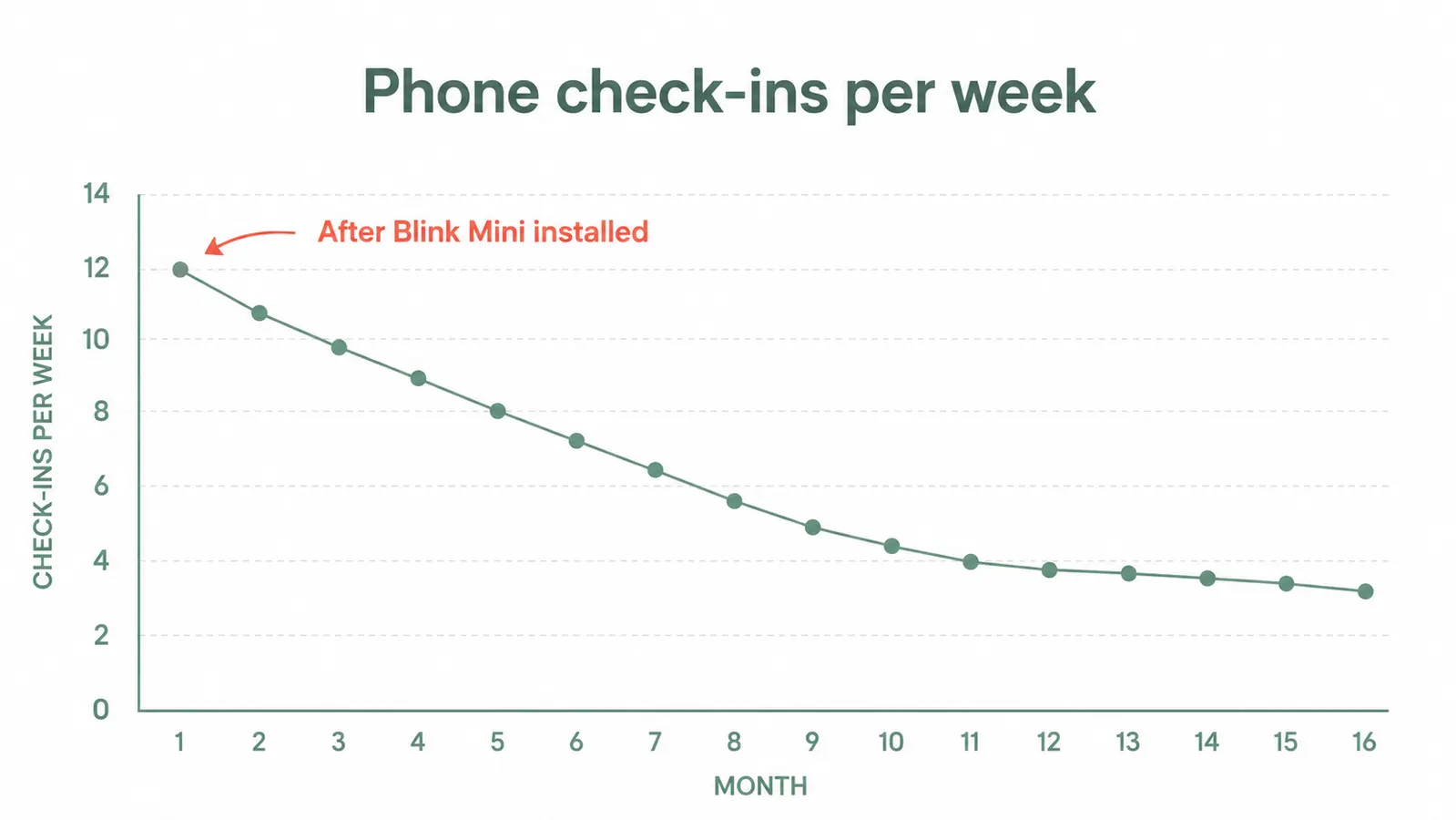
The routine settled into something predictable within the first few weeks. I open the app around 7:30am, tap the live view button, and watch for 30 to 60 seconds. If Eileen is in the kitchen making coffee or sitting at the table with the newspaper, I close the app and start my day. If the house looks still at 9am, I call. That is it. What I did not expect is how much this compressed my anxiety. Before the camera, I was calling her twice a day because I had no other way to confirm she was okay. Now I call about four times a week, usually for actual conversations rather than welfare checks. That is better for both of us.
The 1080p HD video quality is genuinely good for a camera in this price range. Daytime footage is crisp enough that I can read the clock on her kitchen wall through the doorway. The night vision goes to black-and-white infrared mode automatically in low light, and while it is not perfect, it is clear enough to confirm whether someone is in the room and moving normally. I have one minor complaint about night vision, which I will address in the tradeoffs section.
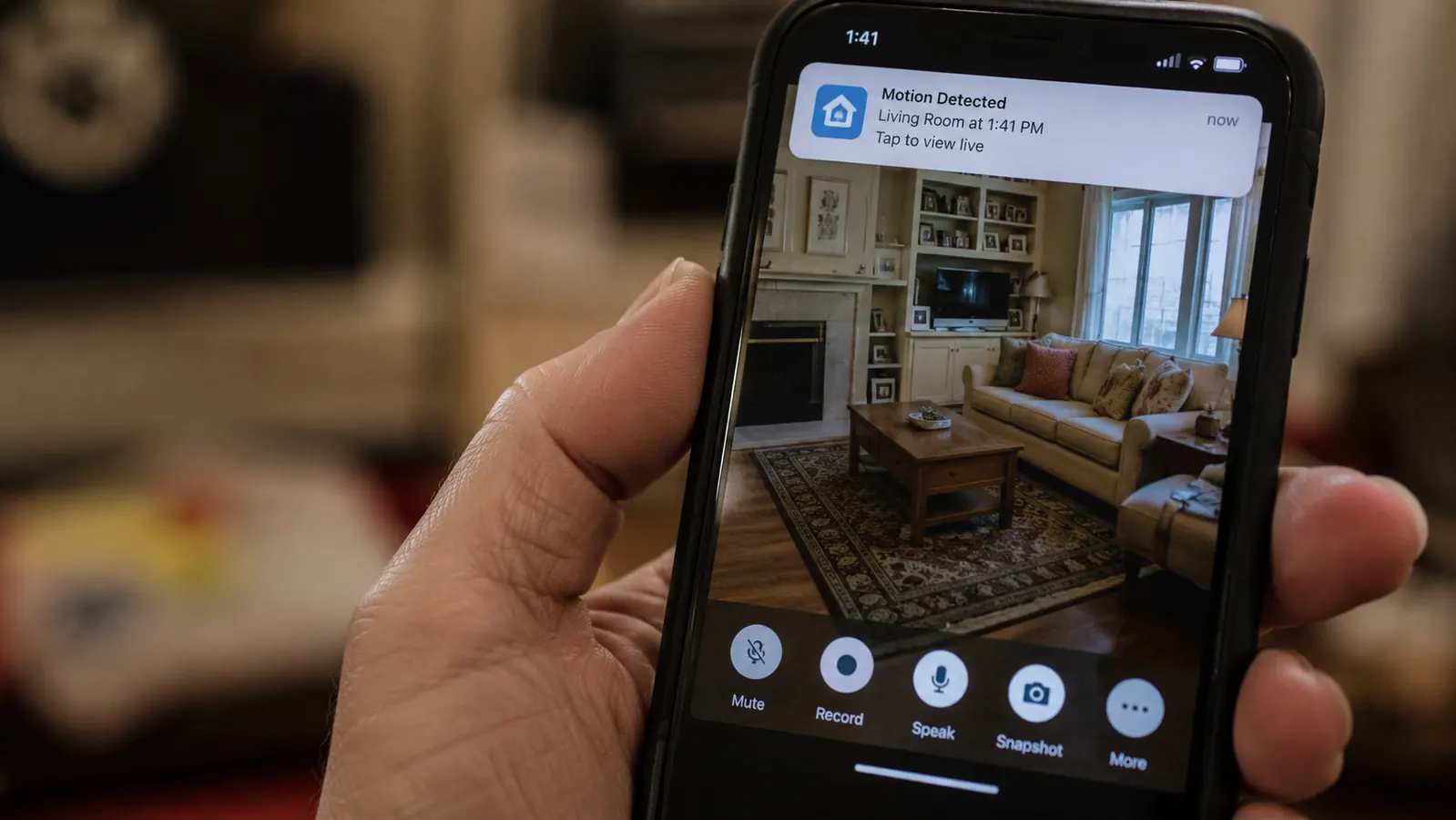
Motion detection works reliably. I have it set to notify me when motion is detected during overnight hours, roughly 10pm to 8am. In 16 months, I have had three overnight motion alerts. One was Eileen getting up for water. One was her cat. One was a shadow from a passing car that triggered the sensor through a window. Three false alarms in 16 months is a performance I am comfortable with.
Before the camera, I called her twice a day just to confirm she was still okay. Now I call four times a week for actual conversations. That is a better life for both of us.
The Features That Matter for Caregiving (and the Ones That Do Not)
Two-way audio is listed in the Blink Mini specs and it works. I have used it exactly twice in 16 months. It is adequate in a pinch but the audio quality is scratchy and there is a slight delay, so it does not replace a phone call. I treat it as a backup channel, not a primary one.
The motion detection zones are more useful than I expected. You can draw specific activity zones on the camera view so only motion in those zones triggers an alert. I have it set to watch the hallway doorway and the area near the front door, and I excluded the window where the curtains sometimes shift. This reduced false alerts significantly in the first month after I figured out the setting.
The Alexa integration is genuinely useful if your parent has an Echo device. You can ask Alexa to show the camera feed on an Echo Show screen without opening the app. For my own setup at home, I have a small Echo Show in my kitchen and I can say 'Alexa, show me Mom's camera' while I am making dinner. Eileen's picture comes up on the screen. This is surprisingly useful and I use it more than I use the app some weeks.
The privacy features are worth knowing about. There is a physical privacy shutter built into the camera lens that completely blocks the camera. You can also disable the camera remotely from the app, or set a schedule so the camera does not record during certain hours. I set a schedule so the camera goes dark every evening at 7pm and comes back on at 10pm. This gives Eileen genuine off-time in her own living space and reduces the chance she ever feels monitored during her private hours.
The Honest Tradeoffs After 16 Months
Night vision range is limited. The infrared range on the Blink Mini is roughly 20 feet. In Eileen's living room, which is about 16 by 18 feet, the far corner near her reading chair goes slightly dark at night. It is not a dealbreaker because I can still see clearly whether she is in the room, but if you are placing this in a large open-plan space you may want a camera with a longer night-vision range. The Wyze Cam v3 has a stronger night sensor, which I cover in my comparison of these two cameras elsewhere on this site.
Live view requires an internet connection on both ends, which sounds obvious until your parent's router reboots at 3am because of a power blip and the camera drops offline until someone manually reconnects it. This happened to us twice. Both times I called Eileen in the morning, she rebooted the router, and the camera reconnected on its own. Straightforward, but worth knowing that you are dependent on her home internet staying stable.
The camera does not have a battery backup. It is plug-in only. If the power goes out, the camera goes with it. For most situations this is fine, but if you are in an area with frequent power outages, it is a limitation. The Blink Outdoor camera has battery backup but is not designed for indoor use in the same way.
Clip storage without the subscription requires a Sync Module 2 and a USB flash drive. If you buy the camera solo (not as a kit), you need to add the Sync Module separately. I recommend buying the bundle, which typically includes the Sync Module and sometimes a mini flash drive. Check current bundle pricing before buying the camera alone.
What I Liked
- True plug-and-play setup, under 10 minutes for a non-technical person to install
- Free local storage via Sync Module 2 and USB drive, no monthly subscription required
- Strong Alexa integration for families already in the Amazon ecosystem
- 1080p HD live view is clear enough for confident welfare checks
- Motion zone customization significantly reduces false alert noise
- Physical privacy shutter and scheduling let parents maintain genuine off-time
- Under $30 makes it low risk to try, and easy to add a second camera later
Where It Falls Short
- Night vision range tops out around 20 feet, not ideal for large rooms
- Two-way audio quality is adequate but not good enough to replace phone calls
- Relies entirely on home Wi-Fi, one router reboot can knock it offline until reconnected
- No battery backup, power outage takes the camera with it
- Local storage setup requires buying the Sync Module separately if not buying a bundle
The Privacy Conversation You Have to Have First
I want to spend a moment here because this is the question I see caregivers skip, and it almost always causes friction later. Installing a camera in your parent's home without their knowledge is a bad idea regardless of your intentions. It damages trust, and if your parent discovers it later the conversation becomes about deception rather than safety. Eileen was not thrilled when I brought it up. She said it made her feel like I did not trust her to handle herself. I told her that was not it. I told her it was about me, not her. I was calling her so often that I was interrupting her day and my own. The camera was a way to let both of us breathe. She agreed to try it for 30 days. She has not asked me to take it down.
If your parent is resistant, the scheduling feature is useful here. Offer to set specific hours when the camera is active, and let them control those hours. Giving back some agency in the setup reduces resistance substantially. The physical privacy shutter also helps. You can show them how to cover it themselves if they want a moment of complete privacy. These small gestures matter.
Who This Is For
The Blink Mini is the right fit if you are a long-distance caregiver monitoring a parent who lives alone and is generally independent but occasionally worries you. It is also right for a parent in the early stages of a health issue where you want visibility without hiring in-home help yet. It is a good first camera for families who have never done this before. The price, the ease of setup, and the lack of a required subscription make it a low-commitment starting point. You can always add a second camera or upgrade later.
Who Should Skip It
If your parent needs active monitoring for a serious condition like advanced dementia, frequent fall risk, or post-surgical recovery, the Blink Mini is not a substitute for professional monitoring or in-home care. It is a passive visual tool, not an alert system. It does not detect falls, does not detect if your parent is in distress, and does not call emergency services. For those situations, look at a dedicated medical alert device first. The Blink Mini is a supplement to a care plan, not the plan itself. Also, if your parent's home has unreliable internet or frequent power outages, a battery-powered camera like the Blink Outdoor may serve you better despite its outdoor framing.
Sixteen months in, I would buy it again without hesitation. It did not solve the distance. It made the distance livable.
The Blink Mini is available now on Amazon. Works with Alexa, sets up in under 10 minutes, and requires no monthly fee when paired with the Sync Module. Over 309,000 reviews back it up.
Amazon Check Today's Price on Amazon →